GauSwastha
GauSwastha
GauSwastha
Region
Region
Bangalore, India
Bangalore, India
Year
Year
2024
2024
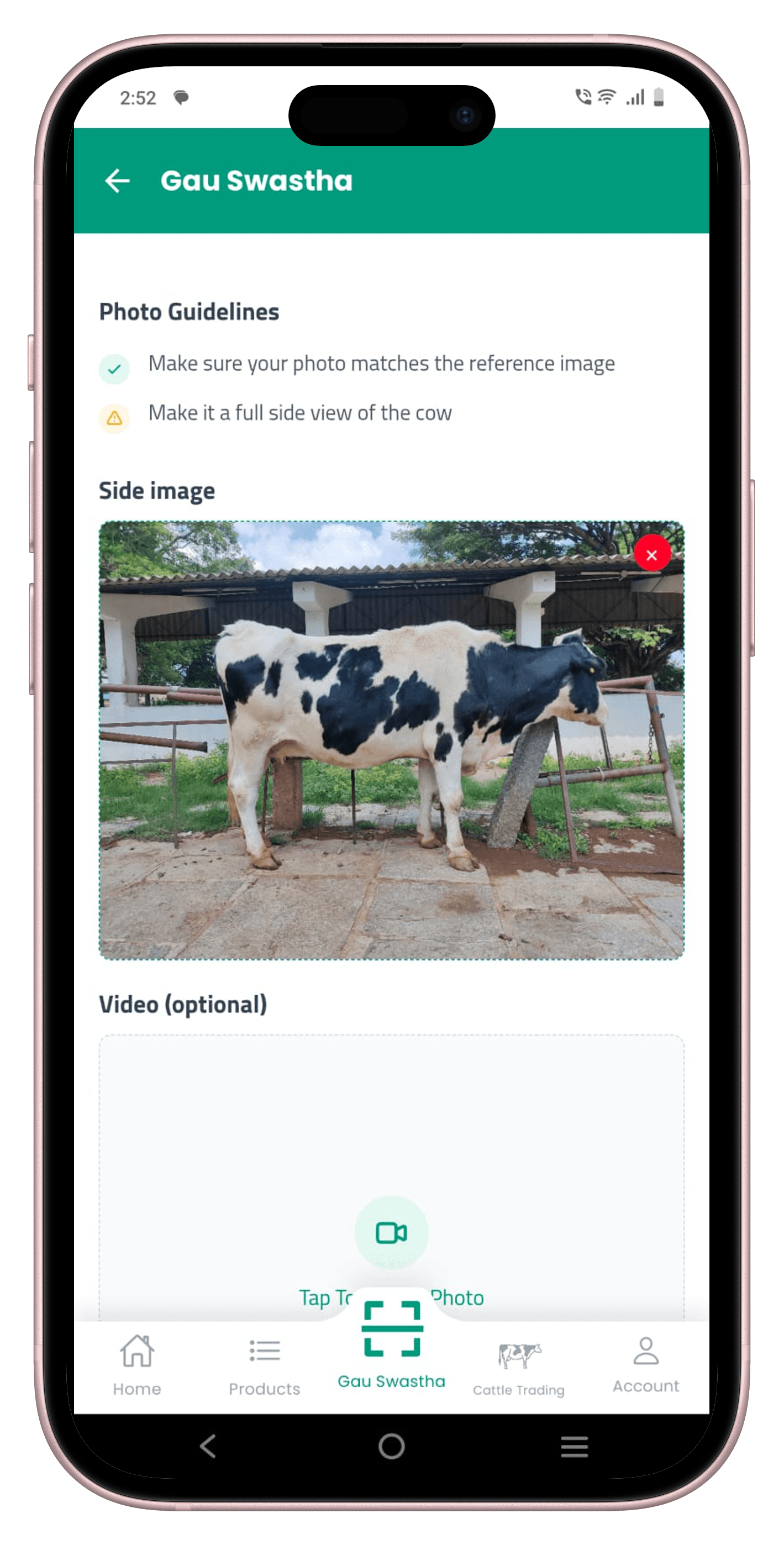
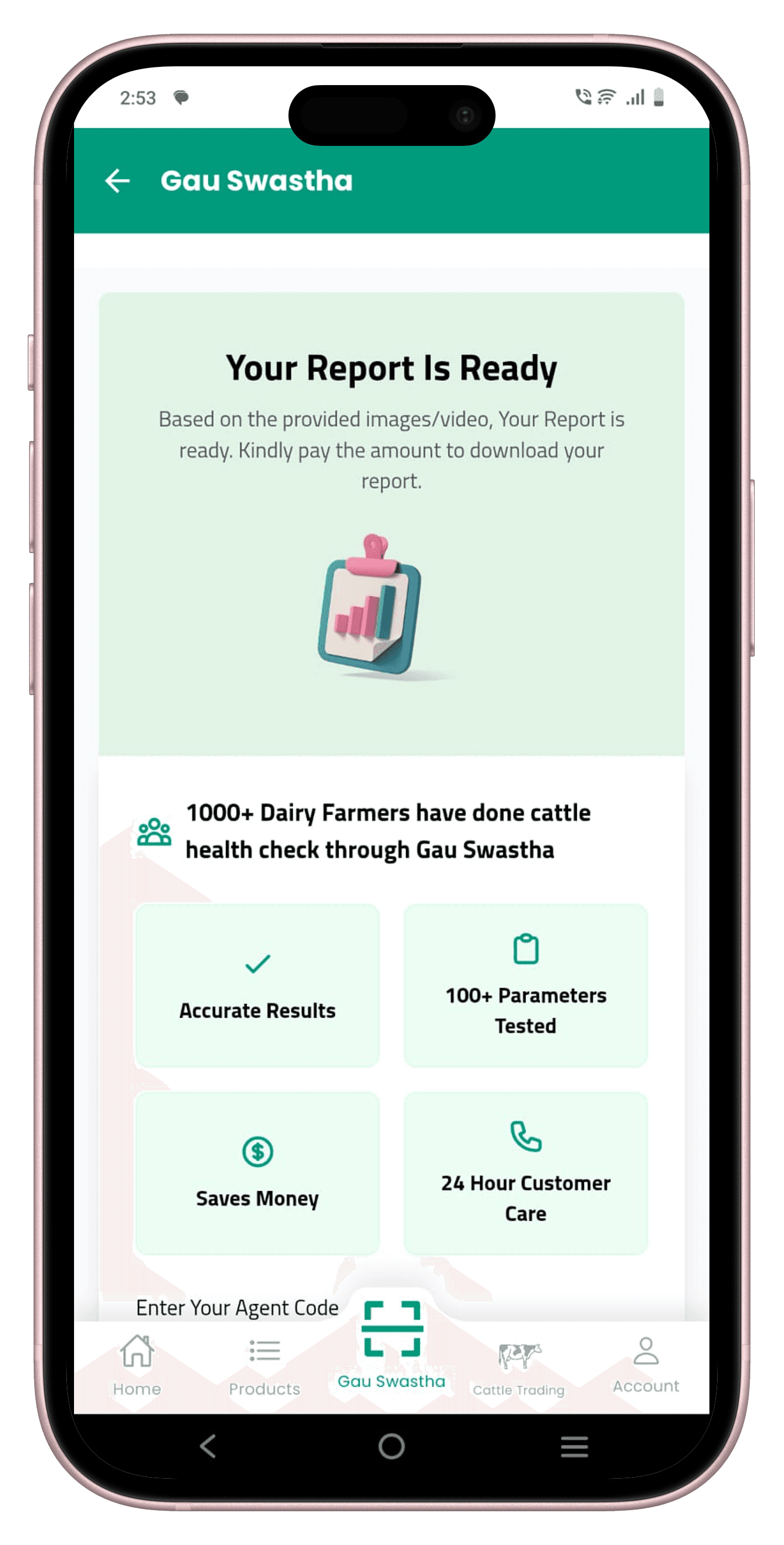
The project itself :
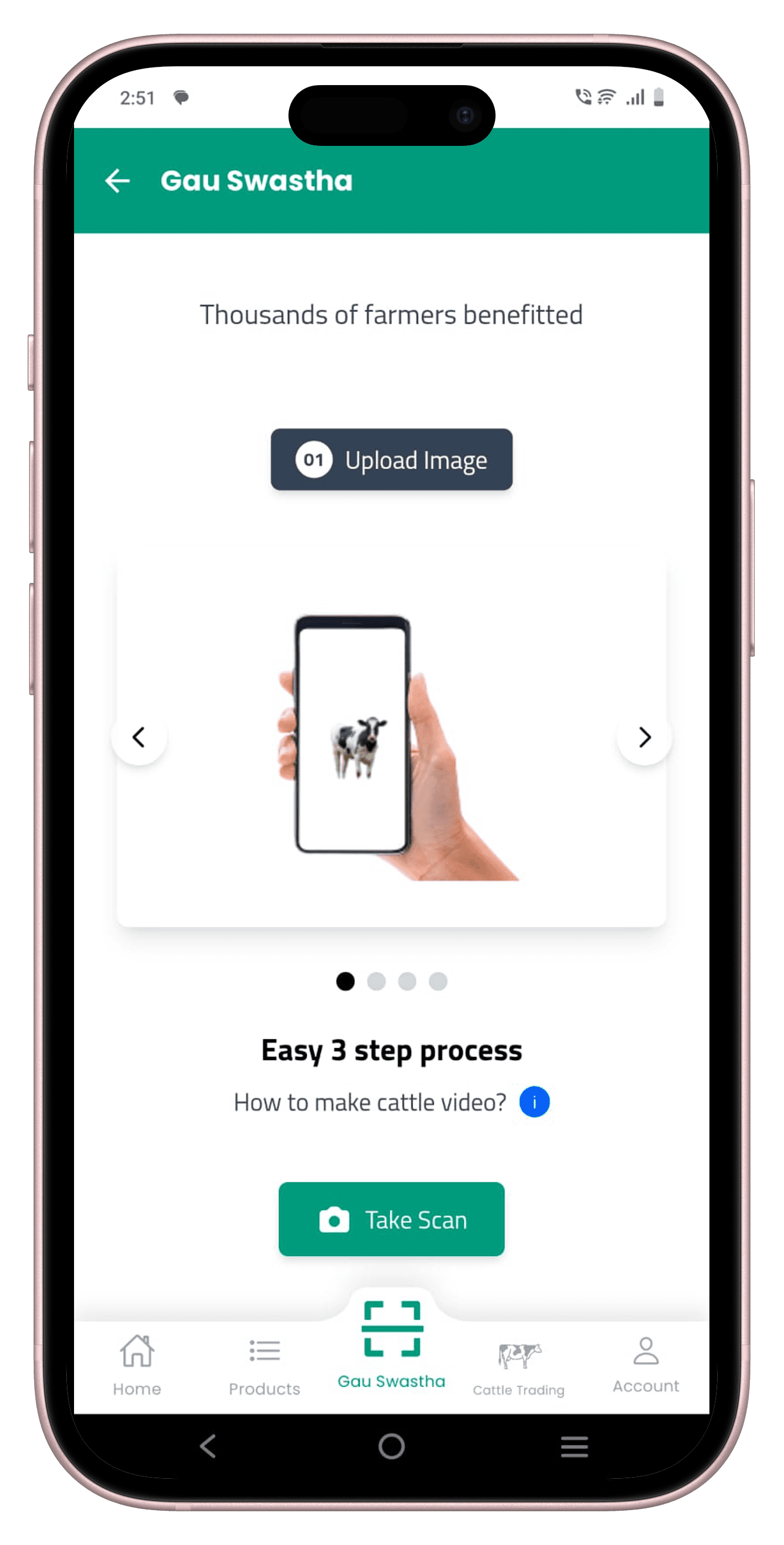
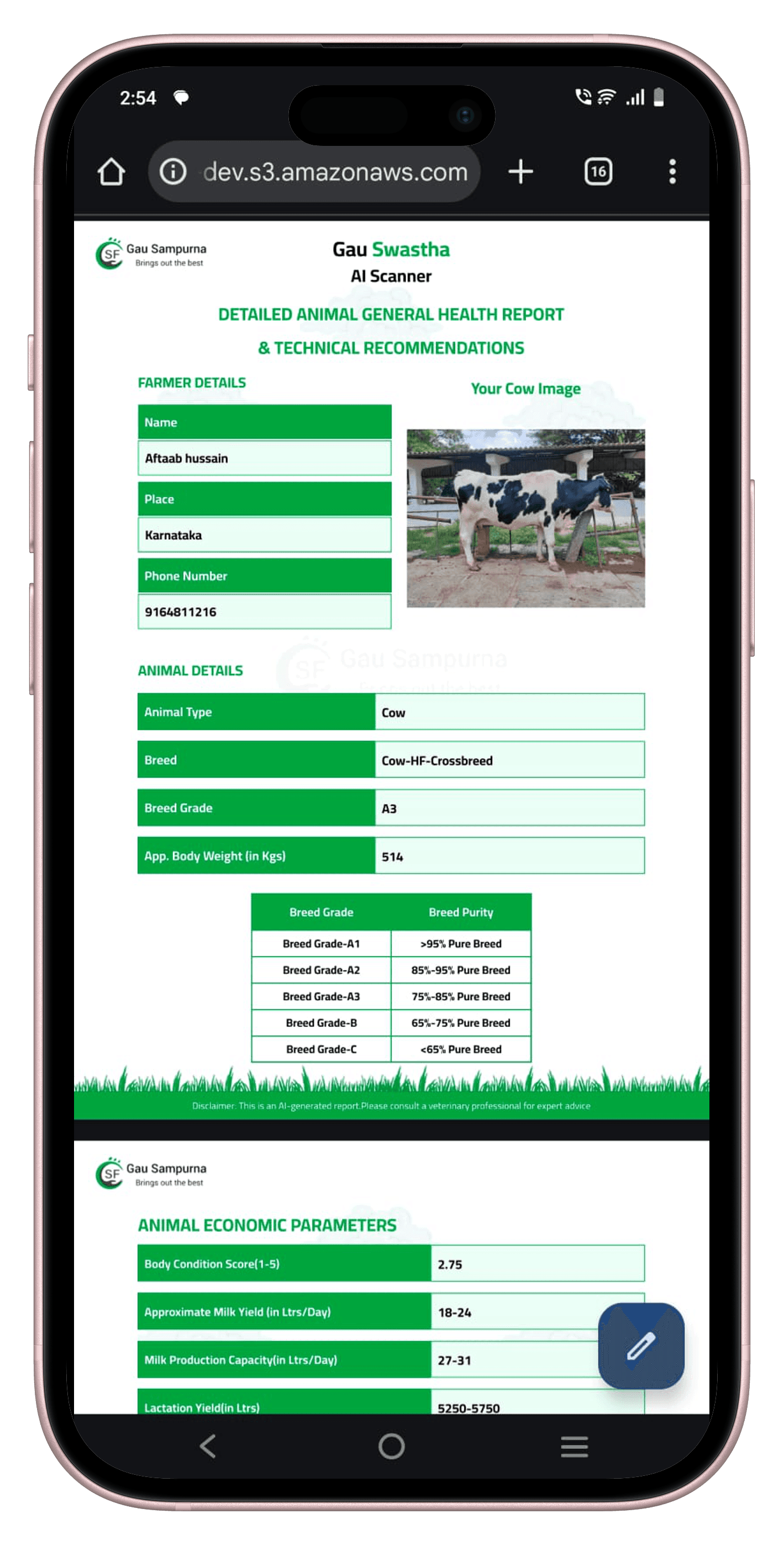
GauSwastha is a camera-only cattle health and valuation engine that I designed and built from scratch. From a single side photo of a cow, it estimates weight, body condition score, breed grade and key conformation traits, and turns them into a veterinary-style report. Under the hood it runs a multi-stage computer vision and ensemble pipeline that is optimised to work on CPU-only infrastructure in rural clinics.
Cattle health and value assessment is either manual, relying on tape measurements, visual inspection and experience-based guesses, or hardware-driven, using sensors and devices that are expensive, fragile and rarely used correctly. Clinics and farmers lack an objective, repeatable way to derive basic metrics such as weight, BCS and conformation from real-world photos taken in noisy field conditions, especially when only a small, expert-labelled dataset is available.
Design and deploy an ML system that can take a single smartphone photograph of a cow, infer geometry and visual cues robustly enough to estimate weight, BCS, breed grade and key traits, present these as a clear, explainable report that vets and farmers can trust, and run efficiently on CPU-only servers with low latency and a sustainable cost per scan.
Data Scientist and applied ML researcher leading the end-to-end design of the GauSwastha ML system, from initial problem framing and data strategy through to model architecture, experimentation and production deployment.
Conducting research,
Designing Data pipelines,
Pre-processing,
Model Development.
Deployement
All about the domain :
Most academic work on automated cattle monitoring assumes access to specialised hardware: LiDAR scanners, structured-light depth cameras, walk-over weigh bridges or fixed multi-camera rigs installed in large commercial barns. These systems deliver high-quality 3D information, but they are capital-intensive, require controlled setups and are usually evaluated on organised farms with hundreds of animals. My challenge was to take the same goals, weight, body condition and conformation and reframe them for the reality of small, mostly unorganised farmers who own at most a handful of cows and only have a smartphone.
Most papers rely on LiDAR, depth cameras or other dedicated sensors positioned around the animal. These setups can capture accurate 3D point clouds but are expensive, fragile and difficult to maintain outside controlled research barns.
A common assumption is a fixed camera position or raceway where every animal walks through the same calibrated zone. This works for large indoor herds, but it does not match open yards, village sheds or the ad-hoc spaces where small farmers actually handle their cattle.
The literature largely targets large, organised farms that can justify high capital expenditure and technical staff. Smallholders with five to ten cows cannot invest in fixed rigs or wearables, and many of the proposed systems do not translate into something they could realistically buy, install or use day-to-day.
In contrast to the research setups, the typical GauSwastha user is a small dairy farmer or a government vet visiting scattered households. Animals are kept in tight, cluttered spaces; handling time is limited; and the only guaranteed device is a mid-range Android phone. Any solution had to respect this context: no weigh bridges, no depth cameras, no mandatory wearables, just a single handheld photograph that can be taken in a few seconds.
Based on this literature review and field reality, I framed the core research question as: “Can we recover enough geometric and visual information from one ordinary smartphone photo to approximate the insights of these sensor-based systems?” This became the guiding constraint for all later modelling and system design decisions.
Most papers rely on LiDAR, depth cameras or other dedicated sensors positioned around the animal. These setups can capture accurate 3D point clouds but are expensive, fragile and difficult to maintain outside controlled research barns.
A common assumption is a fixed camera position or raceway where every animal walks through the same calibrated zone. This works for large indoor herds, but it does not match open yards, village sheds or the ad-hoc spaces where small farmers actually handle their cattle.
The literature largely targets large, organised farms that can justify high capital expenditure and technical staff. Smallholders with five to ten cows cannot invest in fixed rigs or wearables, and many of the proposed systems do not translate into something they could realistically buy, install or use day-to-day.
The project schematically :
I worked with vets and field staff to collect real-world cattle images and convert them into a structured, expert-labelled dataset. The goal was to keep their workflow simple on mid-range Android phones while still producing supervision rich enough for detection and classification models.
The series of hand-drawing frames that visually describe and explore a user's experience with a product.
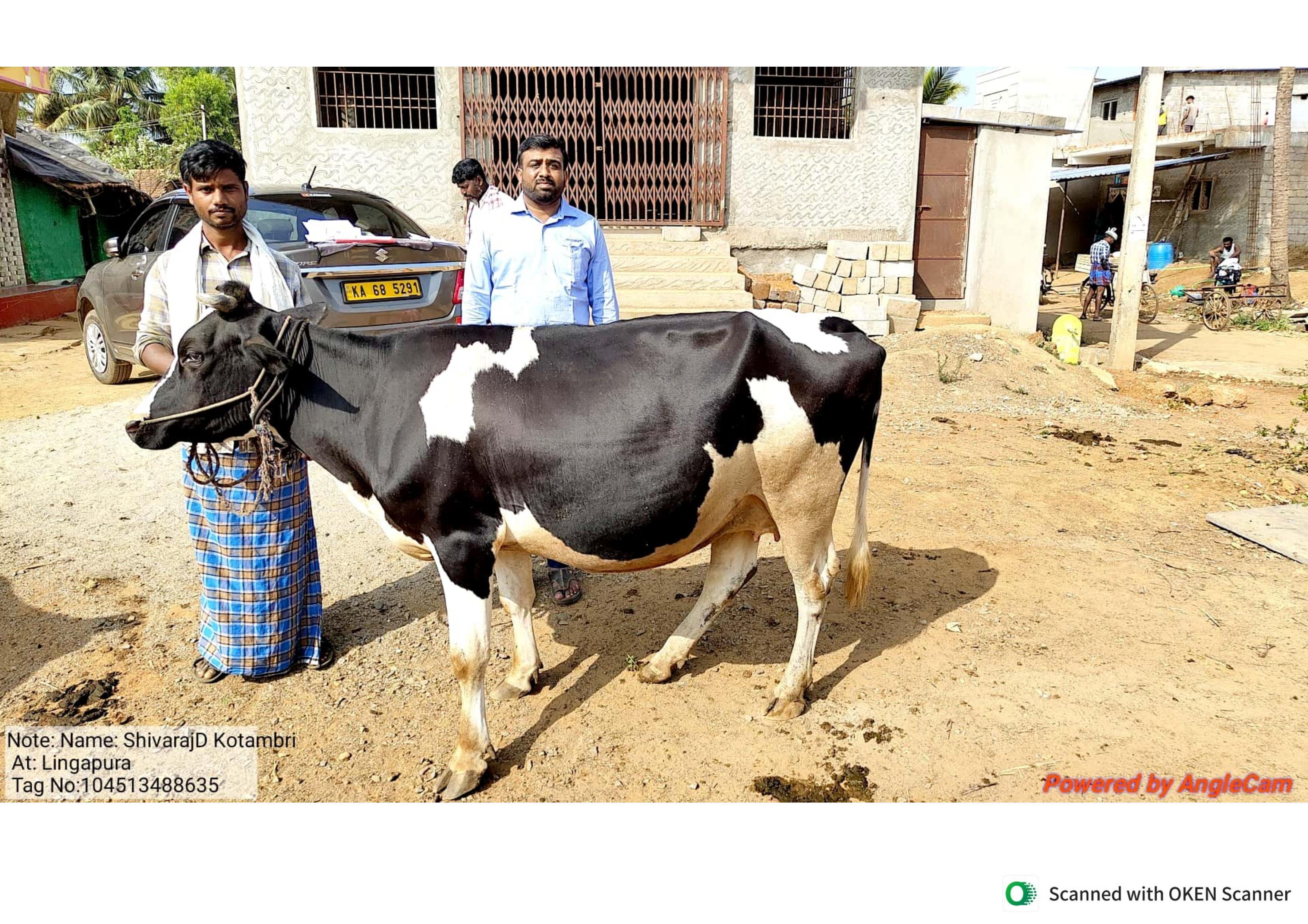
Cattle images were captured by vets and field staff during routine examinations, using mid-range Android phones. There was no fixed rig or controlled walkway—animals were photographed in sheds and open yards at arm’s length, usually from a single left-side view. This keeps the data honest to how smallholders actually work, but makes it noisy, cluttered and highly variable.
To turn these photos into usable labels, I designed a lightweight annotation protocol focused on regions vets already reason about: head, neck, torso, ribs, legs and udder. The guidelines balanced two constraints: annotations had to be quick enough to fit into a busy clinic workflow, yet structured enough to support downstream computer vision models.
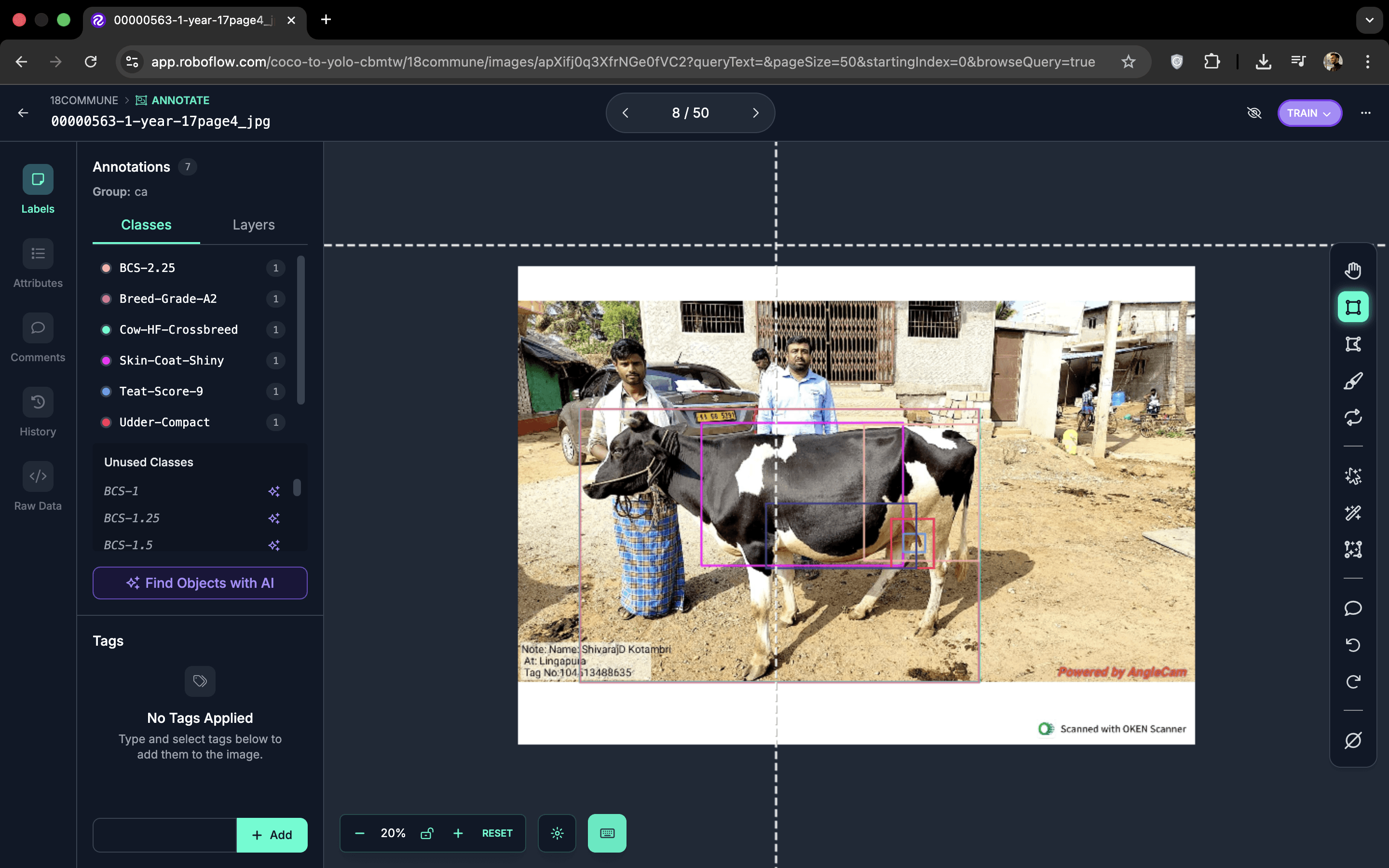
I ran short onboarding sessions to train vets to annotate directly on their phones. For each image, they drew bounding boxes around key regions of the cow’s body and assigned a class label to every box . This shifted labelling from a purely technical task to something grounded in their everyday clinical language.
Over time, this process produced a structured dataset where every image contained multiple annotated regions plus embedded expert labels. The same dataset could now support an object detection task (localising and naming body parts) and downstream classification tasks that use those detected regions to estimate weight, body condition score and overall conformation. This multi-task design is what later enables GauSwastha to go from a single photo to a vet-style report.
How we turned raw farm photos into a robust 72-class dataset for experimentation.
Over several weeks, vets and field staff annotated every image directly on their phones. Each photo took roughly under a minute to label, with boxes drawn over key regions of the cow and one of 72 possible classes assigned to each region (body parts, traits and, when relevant, disease markers). This gave us a flexible “label universe” that was rich enough to support both object detection and multiple downstream classification approaches during the modelling phase. In the end we had an initial dataset of around 3,000 images (without augmentations), covering front, rear and side views. After experimentation, we standardised on a single side view for the final model, while still retaining labels for six target diseases as part of the same class universe.
Vets labelled images in short bursts between real consultations, so the protocol had to be lightweight. The final workflow kept per-image annotation time low while still capturing bounding boxes, trait labels and disease flags, which made the process sustainable over thousands of photos.
Instead of fixing the task too early, we defined a broad set of 72 classes that included body parts, visual traits (e.g., ribs visibility, udder fullness) and six priority diseases. This made the dataset future-proof: the same labels could be re-grouped into different targets as we tried out new modelling ideas.
The first collection round included front, rear and side images. During modelling, we found that a consistent side view offered the best trade-off between practicality in the field and predictive performance. The final pipeline therefore focuses on a single side image per animal, simplifying data collection while still leveraging the rich labels we had gathered.
The clear version :
On this step, first I created a static, high-fidelity Voo's app design (keeping in mind all the conclusions from the previous phase of usability studies) that is a clear representation of a final product called design mockups.
After that, I created a high-fidelity prototype of the app.
These are a high fidelity design that represents a final product
I created all the app pages mockups, incorporating the right design elements such as typography, color, and iconography. I also included captivating and visually appealing images, and developed all the necessary components and elements.
The goal was to demonstrate the final Voo's app in as much detail as possible.
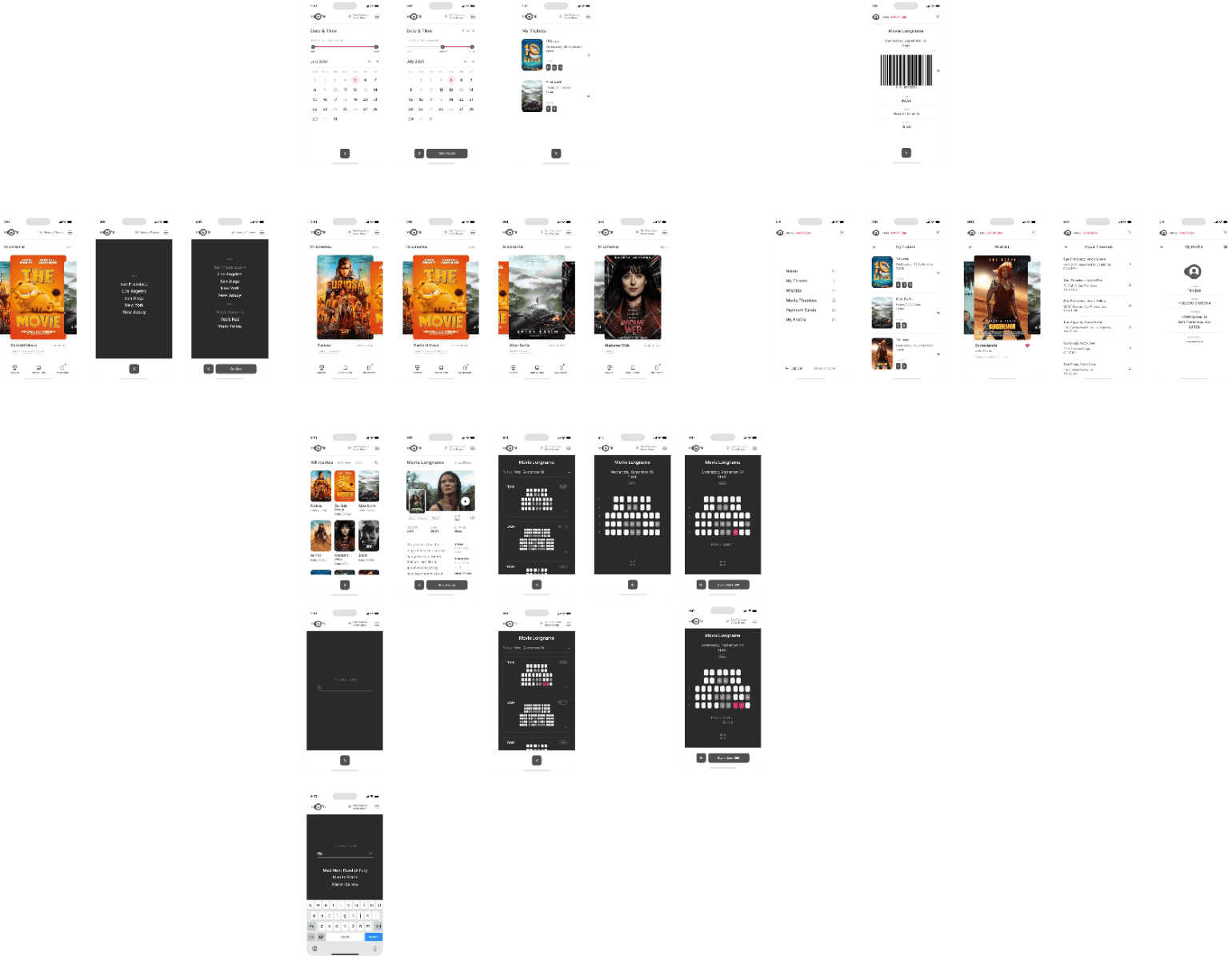
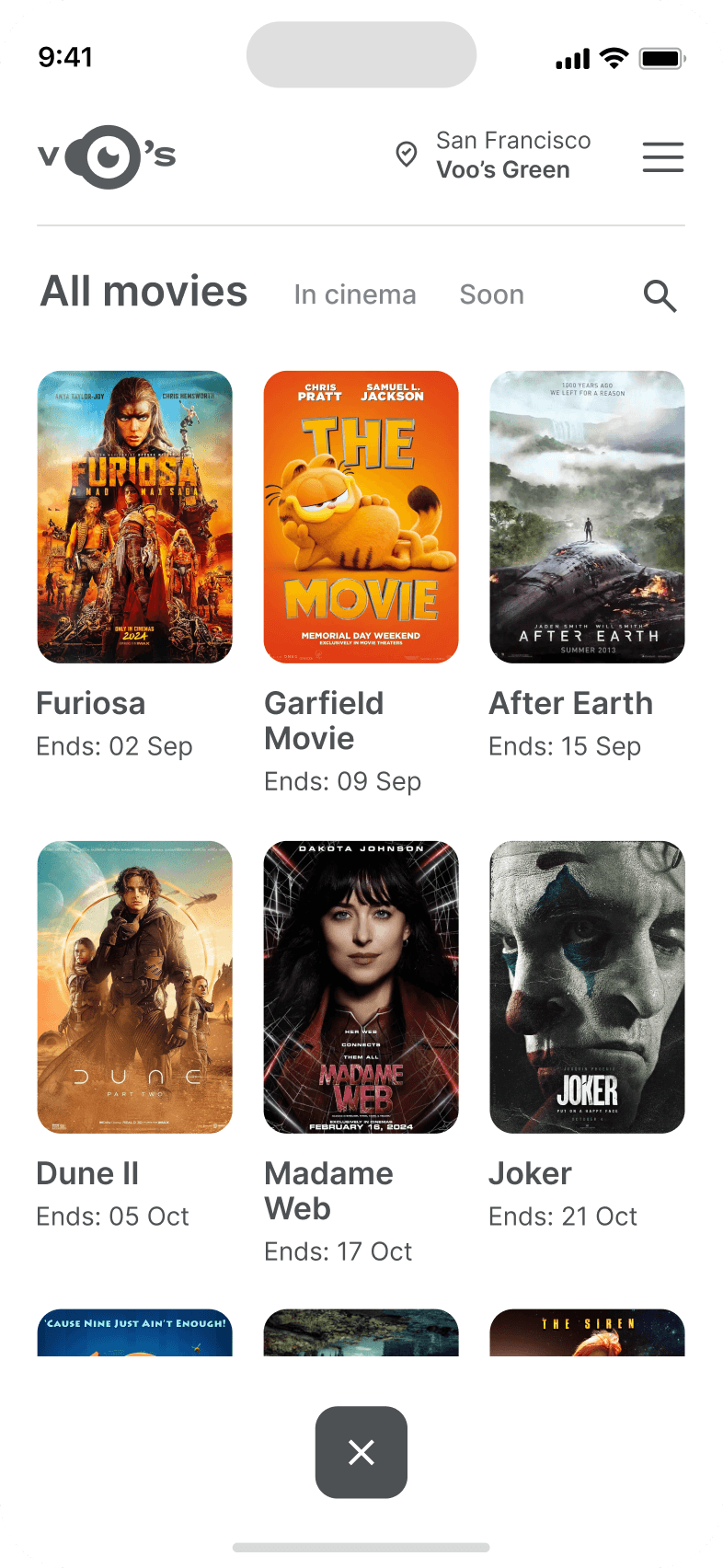
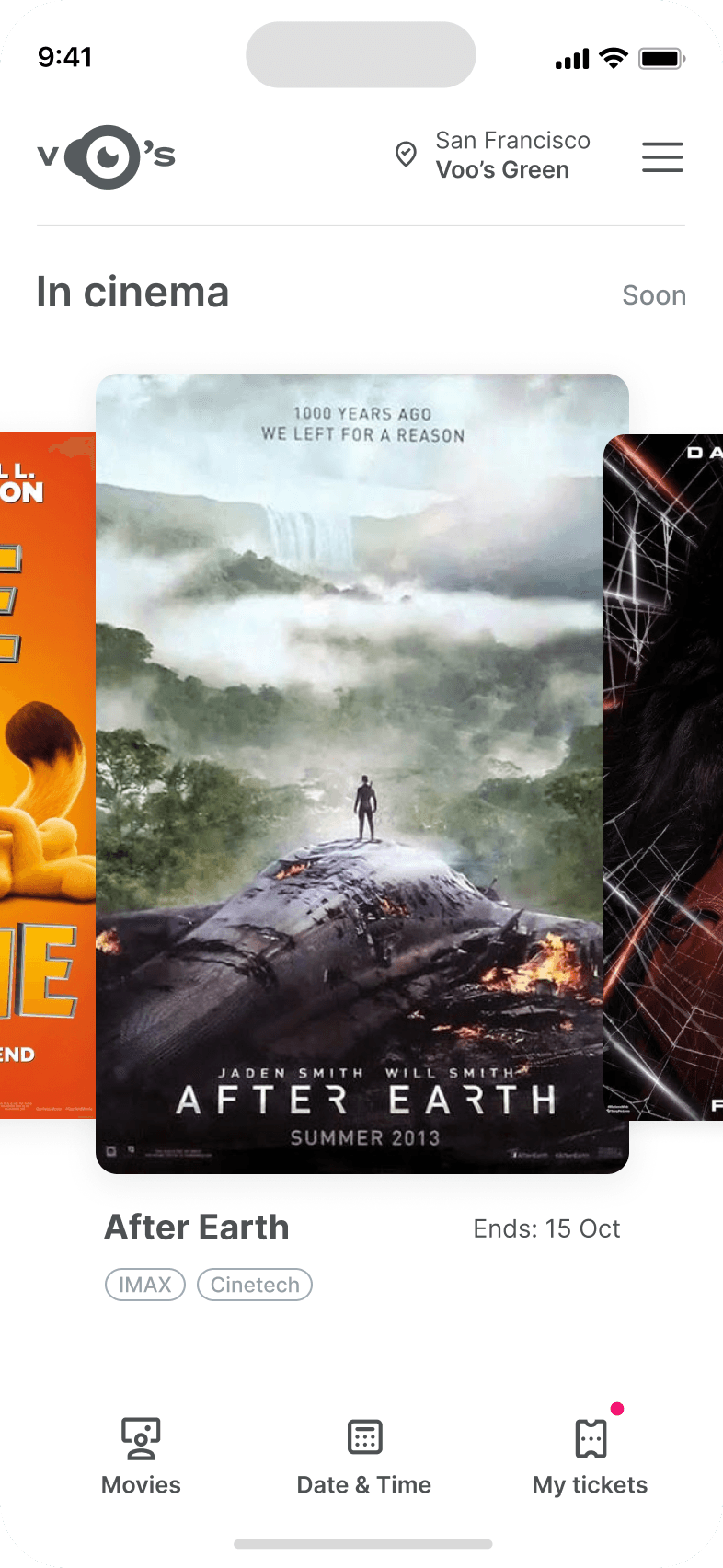
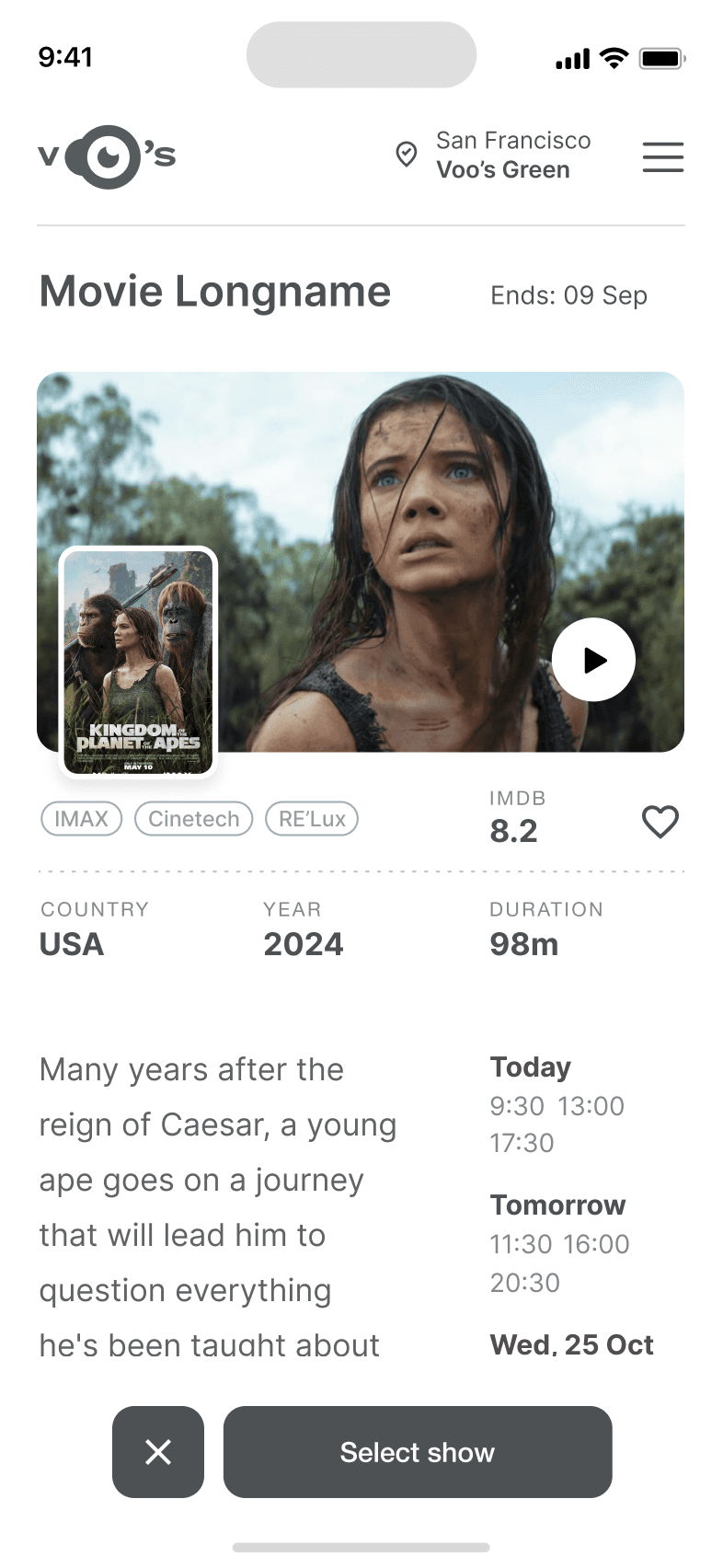
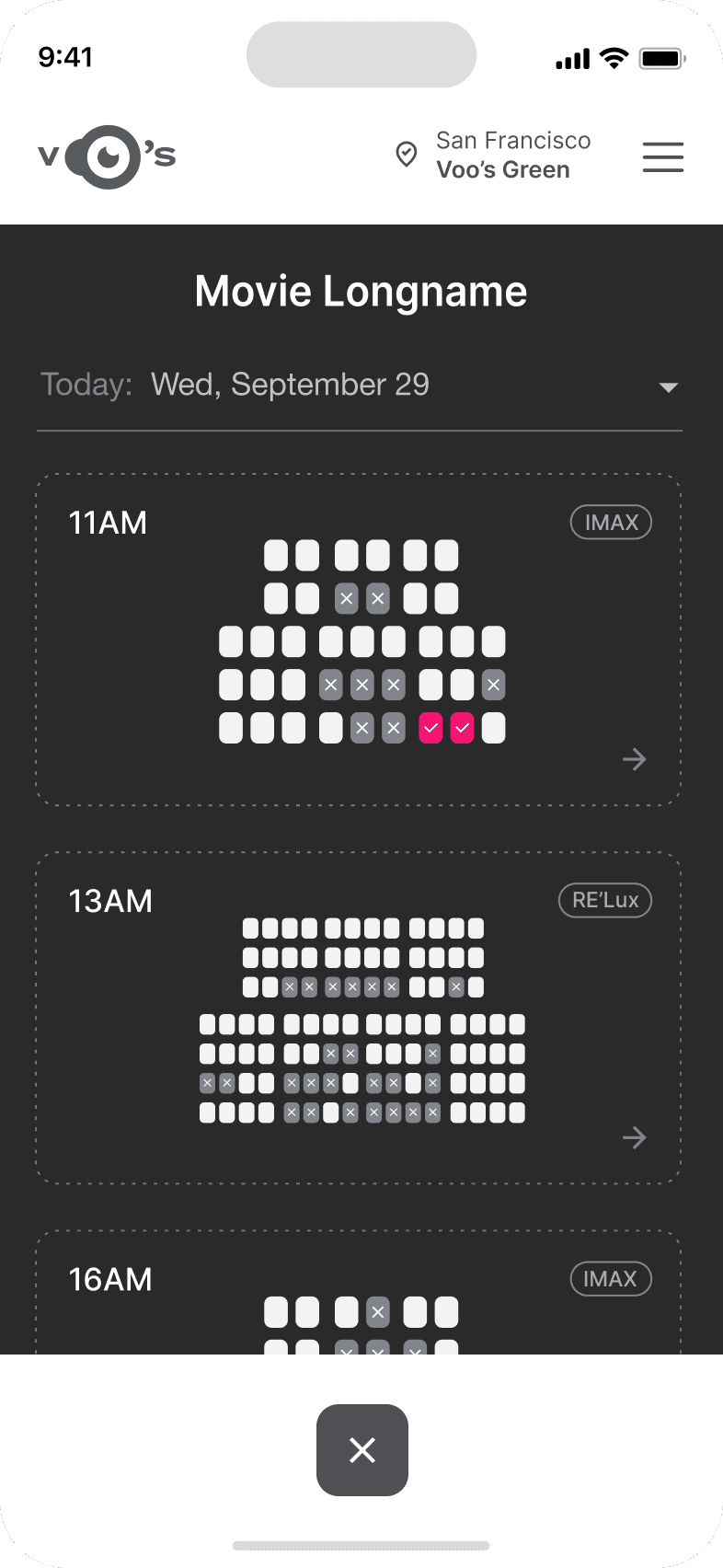
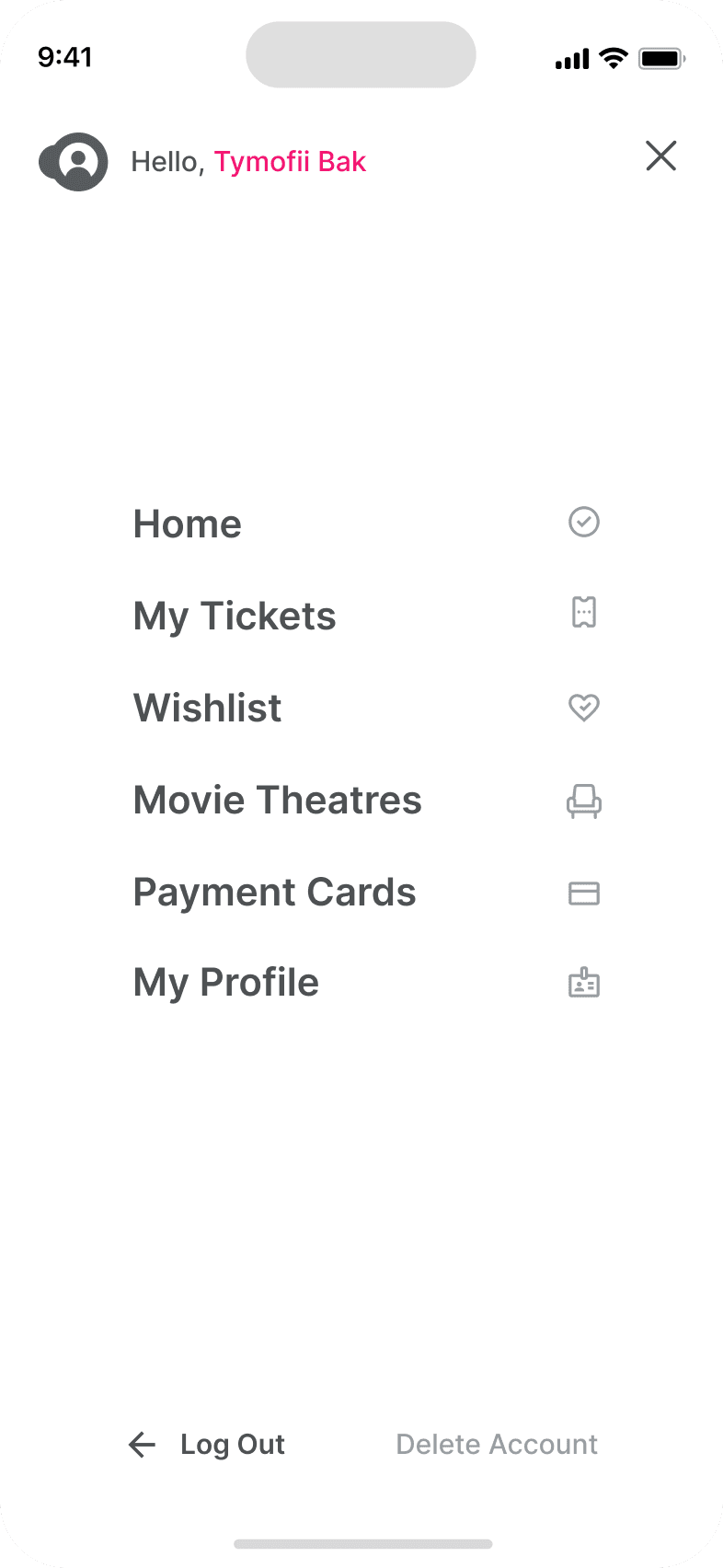
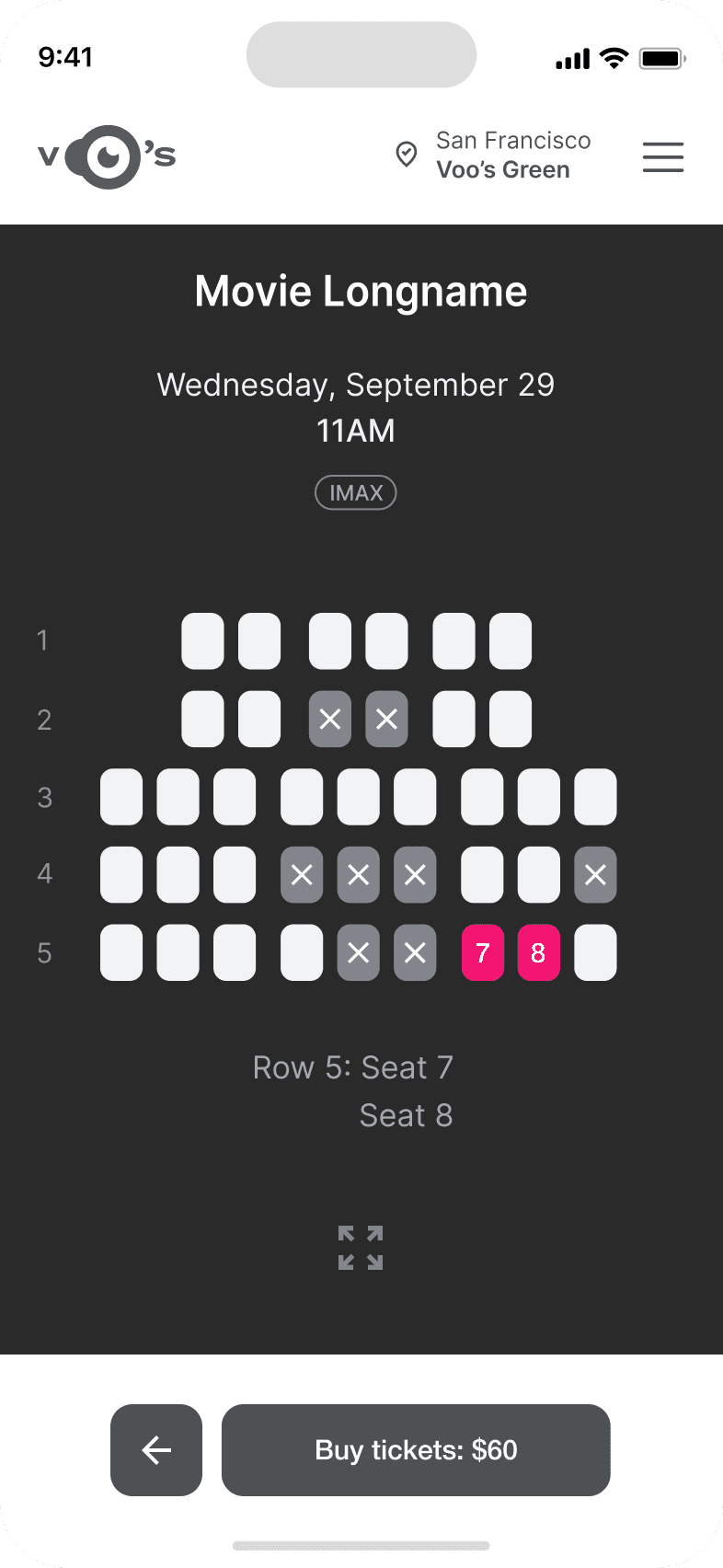
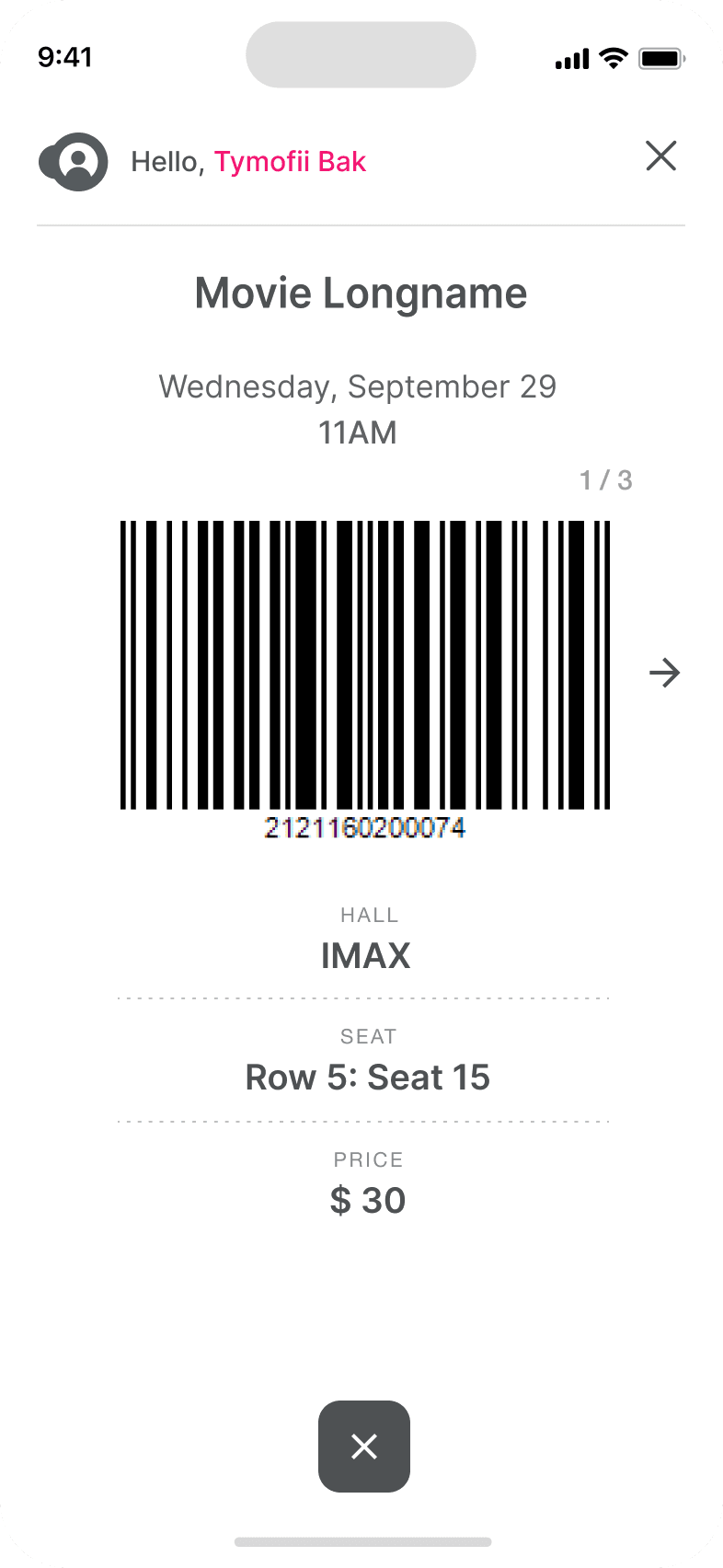
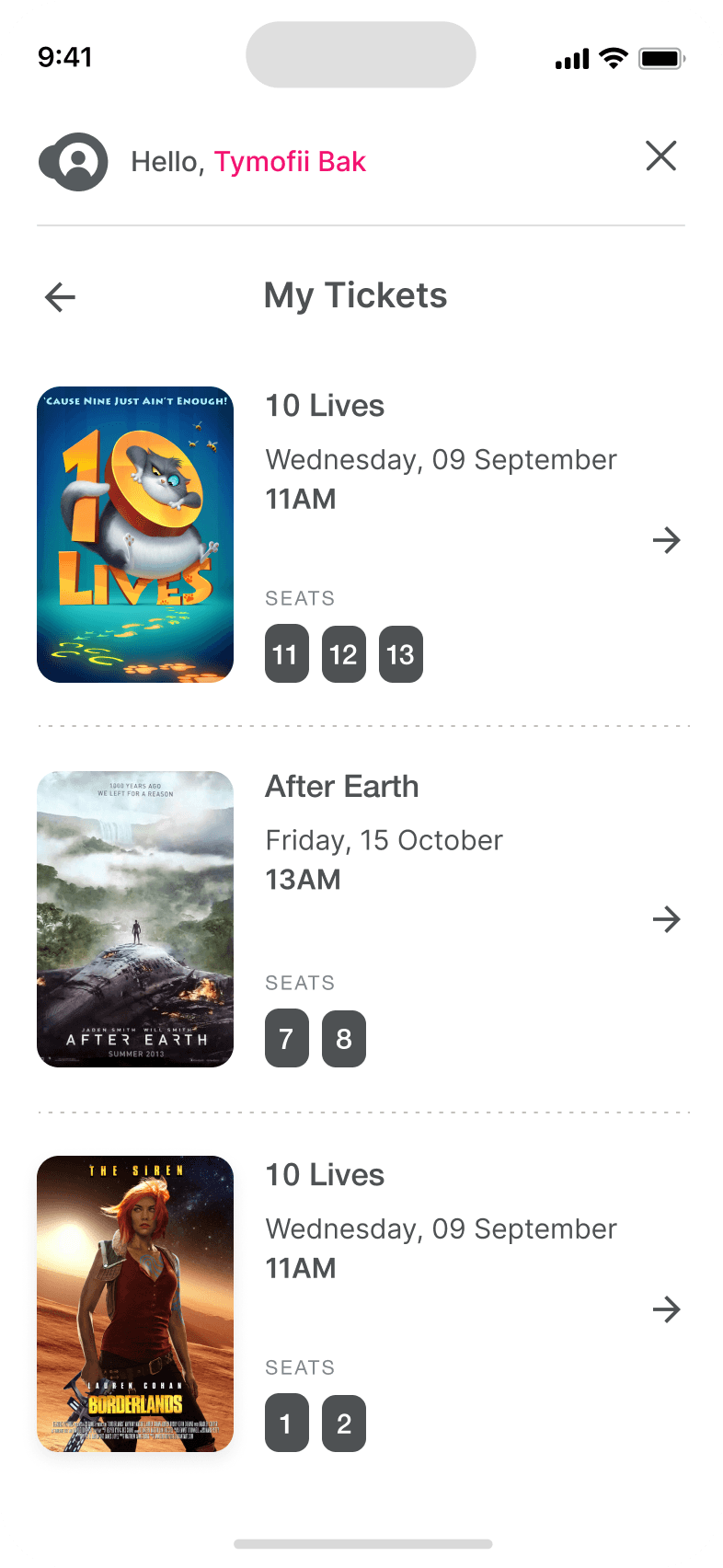
It's the detailed, interactive version of designs that closely match the look and feel of the final product.
I turned my mockups into a prototype that's ready for testing, using gestures and motion, which can help enrich the user experience and increase the usability of the app.

City and cinema theater selection
Movies slideshow
List of movies + search option
Separate movie page, adding to favourites
Show selection: date and time, hall and seats
Adding selected seats
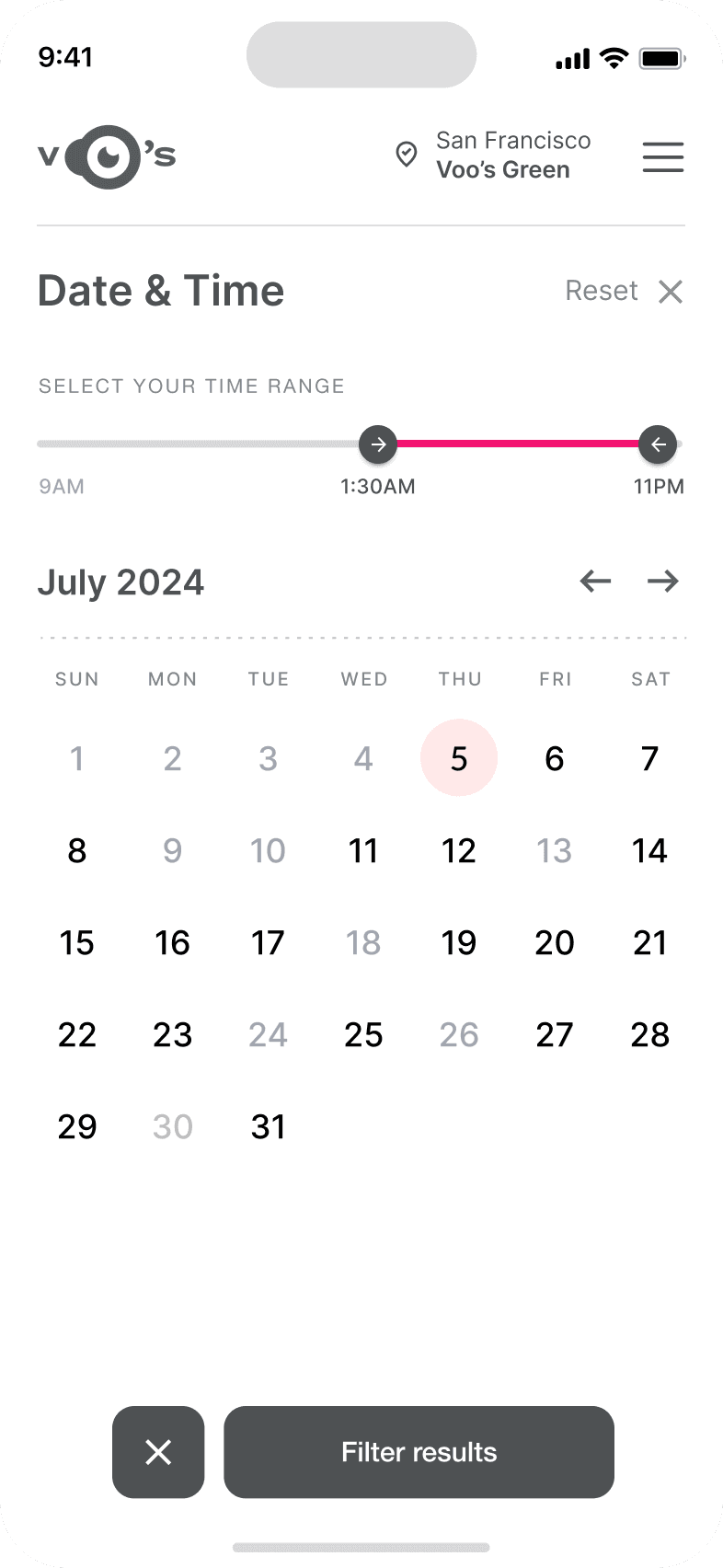
Calendar with results filtering
Menu and its sections
The project schematically :
I created various diagrams and storyboards to clarify and analyze the app's information and architecture. Afterward, I sketched paper wireframes and then transitioned to digital wireframes, building a low-fidelity prototype to conduct initial usability studies with stakeholders.
The series of hand-drawing frames that visually describe and explore a user's experience with a product.
Our target users have found Voo's design to be intuitive, user-friendly, and easy to use: choose a movie, select seats, and buy tickets.
The key lesson I learned is that even minor changes can significantly impact the user experience. My biggest takeaway is to always prioritize the genuine needs of the user.
The series of hand-drawing frames that visually describe and explore a user's experience with a product.
Conduct follow-up usability testing on the new app iteration.
Identify any additional areas of need and ideate on new features.